WordPress problem fix
The cause is usually small and the fix is quick once you trace the chain. We find the loop and stop it.
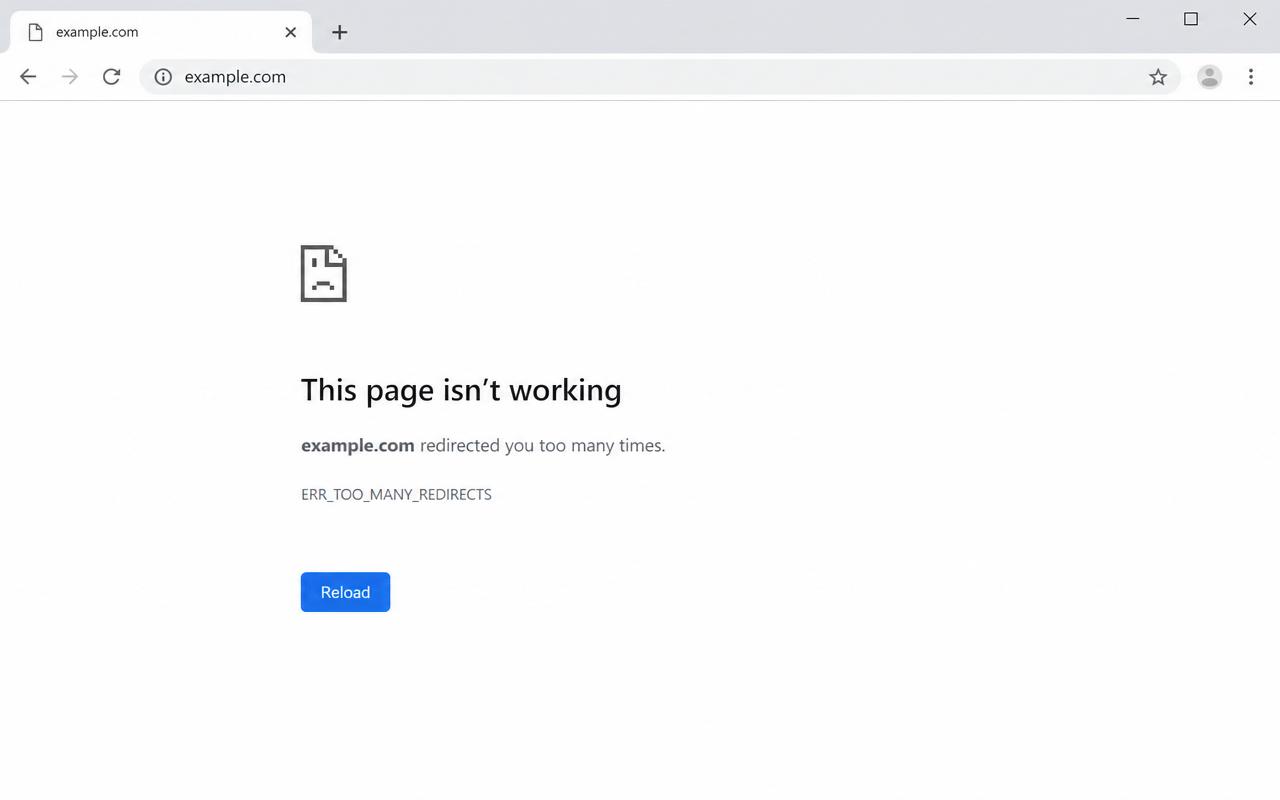
"ERR_TOO_MANY_REDIRECTS" or an endless WordPress redirect loop usually comes from one of a few narrow causes: a Cloudflare SSL setting fighting your site, a wrong site address in the database, or a redirect plugin with rules that point back at each other. It looks alarming but the cause is small and the fix is quick once you trace the chain.
If any of these match, you are on the right page.
Browser says too many redirects
Page reloads forever and never lands
Started after adding Cloudflare
Started after a bulk redirect import
Often. Cloudflare set to Flexible while your origin already serves HTTPS makes Cloudflare and WordPress argue about which version of the URL to load, and the browser loops. Full or Full strict matches the origin and stops it.
If the WordPress site URL and home URL do not agree on https plus www or non-www, every request gets bounced to a different version of itself. The browser eventually gives up and shows too many redirects.
Redirect plugins let you stack rules. If one rule sends A to B while another sends B back to A, or chains of 302s point at each other, the browser bounces between URLs forever.
The real method, in the order it works.
Trace the chain with a redirect checker to see where it loops.
Check Cloudflare SSL mode, switch Flexible to Full or Full strict when the origin has a valid certificate.
Make the site address and home values match one version, https with your chosen www or non-www.
Remove circular rules in the redirect plugin.
Clear Cloudflare and site cache and retest.
Real fix, from our work
On one content heavy site I managed, a page got stuck in an endless redirect loop. When I dug in, the SEO team had been redirecting old content to new content, but they had stacked multiple 302 redirects inside the redirect plugin, and several pointed back at each other. So the page kept bouncing between URLs forever and never landed. I mapped each old URL straight to its final destination with a single permanent 301, stripped out the circular rules, and the loop was gone. The lesson: use one clean 301 per move, never chains of temporary 302s.
Written by Ali Yasin Jatoi
Founder of WebCare Studios. Ali has worked with WordPress for more than 10 years, including managing a Pearl Lemon internal fleet of 150+ sites with WP-CLI automation for updates, security cleanup, and malware removal. He has hands on experience across major hosts including Cloudways, A2 Hosting, Hostinger, and Bluehost.
Site down, hacked, or broken checkout gets a senior engineer within 4 hours. No ticket queues, no bots.
Flat quote up front. If we cannot get you back online, you do not pay. Risk sits with us, not you.
We work on a snapshot first and never touch your live database until the fix is verified safe.
Our founder managed 150+ Pearl Lemon internal WordPress sites. The errors you are seeing are ones we have closed hundreds of times.
Use Full or Full strict when your origin has a valid SSL certificate, which most modern hosts give you for free. Flexible is the usual cause of the loop.
On Flexible, Cloudflare talks to your origin over HTTP while serving the visitor over HTTPS. WordPress then redirects to HTTPS, Cloudflare strips it, and the loop begins.
Yes. A single circular rule can take down every URL if it sits on a wildcard or a core path like the home page.
Map old URLs straight to their final destination with a single permanent 301. Avoid chains of 302s, and check SSL mode and site address right after the cutover.
Two fields. Email and your URL. A senior WordPress engineer reads it within minutes and replies on email and WhatsApp with what is wrong and what we will do next.
Real proof and field guides tied to "Redirect loop".
