WordPress problem fix
Your site is not gone and your data is almost certainly safe. We get most critical errors fixed within hours.
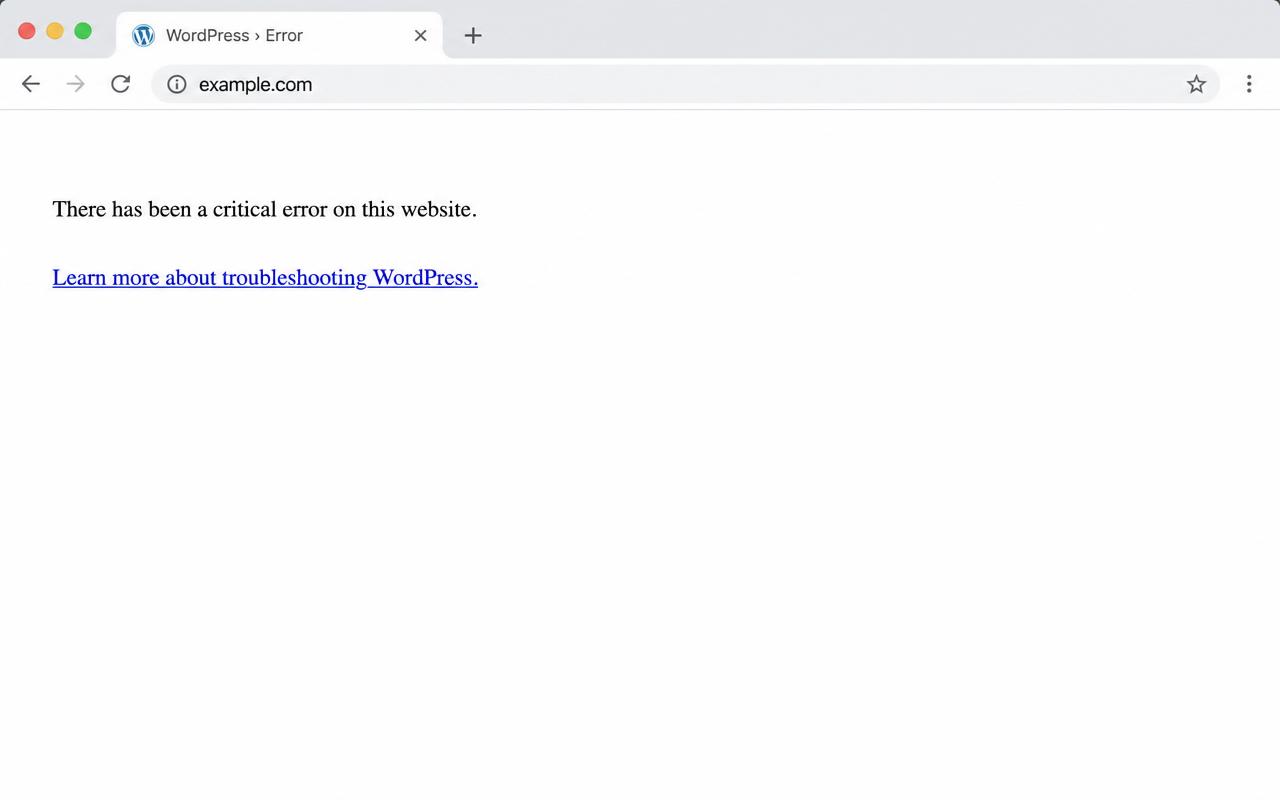
If your WordPress site shows "There has been a critical error on this website," it means WordPress hit a fatal error and stopped loading the page to protect your site. Most of the time the cause is one plugin or theme that updated badly, a PHP version mismatch, or a corrupted file. Your content and database are almost always still safe. The site is not gone. It is usually fixed within hours once someone reads the error log and switches off the exact thing that broke. If you are also locked out of wp-admin, that is normal with this error and does not change the fix.
If any of these match, you are on the right page.
Your site shows a plain critical error message
You cannot reach wp-admin
It started right after an update
You got an email from WordPress about a technical problem
WordPress hits a fatal PHP error somewhere on the page and stops loading rather than show broken output. The error itself is logged. The page just says the safe message instead of dumping it on visitors.
Most often one plugin or theme that updated badly, a PHP version mismatch on the host, or a corrupted file. Sometimes a memory limit too low for what the site is trying to do.
Almost never. The pages, posts, media, users, and orders sit in your database and uploads folder, untouched by the error. The fix gets the front of the site loading again on top of that same data.
The real method, in the order it works.
Turn on the debug log to reveal the real error.
Read the log and find the plugin, theme, or PHP issue named.
Switch off the culprit through the files.
Bring the site back and confirm access.
Patch the root cause so it does not crash again on the next update.
Real fix, from our work
A business site I managed went down with the WordPress critical error, and it came down to one bad plugin. I renamed the whole plugins folder to "plugins-bkp" so the site would load with every plugin switched off, then made a fresh empty plugins folder. That brought the site back and let me log in. From there I added the plugins back one at a time until it broke again, which pinned the exact culprit. I fixed that one and the site stayed up.
Written by Ali Yasin Jatoi
Founder of WebCare Studios. Ali has worked with WordPress for more than 10 years, including managing a Pearl Lemon internal fleet of 150+ sites with WP-CLI automation for updates, security cleanup, and malware removal. He has hands on experience across major hosts including Cloudways, A2 Hosting, Hostinger, and Bluehost.
Site down, hacked, or broken checkout gets a senior engineer within 4 hours. No ticket queues, no bots.
Flat quote up front. If we cannot get you back online, you do not pay. Risk sits with us, not you.
We work on a snapshot first and never touch your live database until the fix is verified safe.
Our founder managed 150+ Pearl Lemon internal WordPress sites. The errors you are seeing are ones we have closed hundreds of times.
Closely related. Both come from a fatal error. The critical error page is the modern safe message WordPress shows since version 5.2. A fully blank white page is the older symptom. The fix path is the same.
Yes. WordPress sends a recovery email to the admin address with a special login link. If you have it, forward it to us. If not, we can still get in through the host or files.
Reinstalling core does not fix this if the cause is a plugin, theme, or PHP mismatch. We isolate the actual cause first, then patch it, so the same crash does not return on the next update.
Most critical errors are a flat fixed fee. You only pay when the site is back online. Message us your URL and what changed last and we will quote it before we start.
Two fields. Email and your URL. A senior WordPress engineer reads it within minutes and replies on email and WhatsApp with what is wrong and what we will do next.
Real proof and field guides tied to "WordPress critical error".
