WordPress problem fix
Your design is not lost. It is a known set of causes with a known fix order.
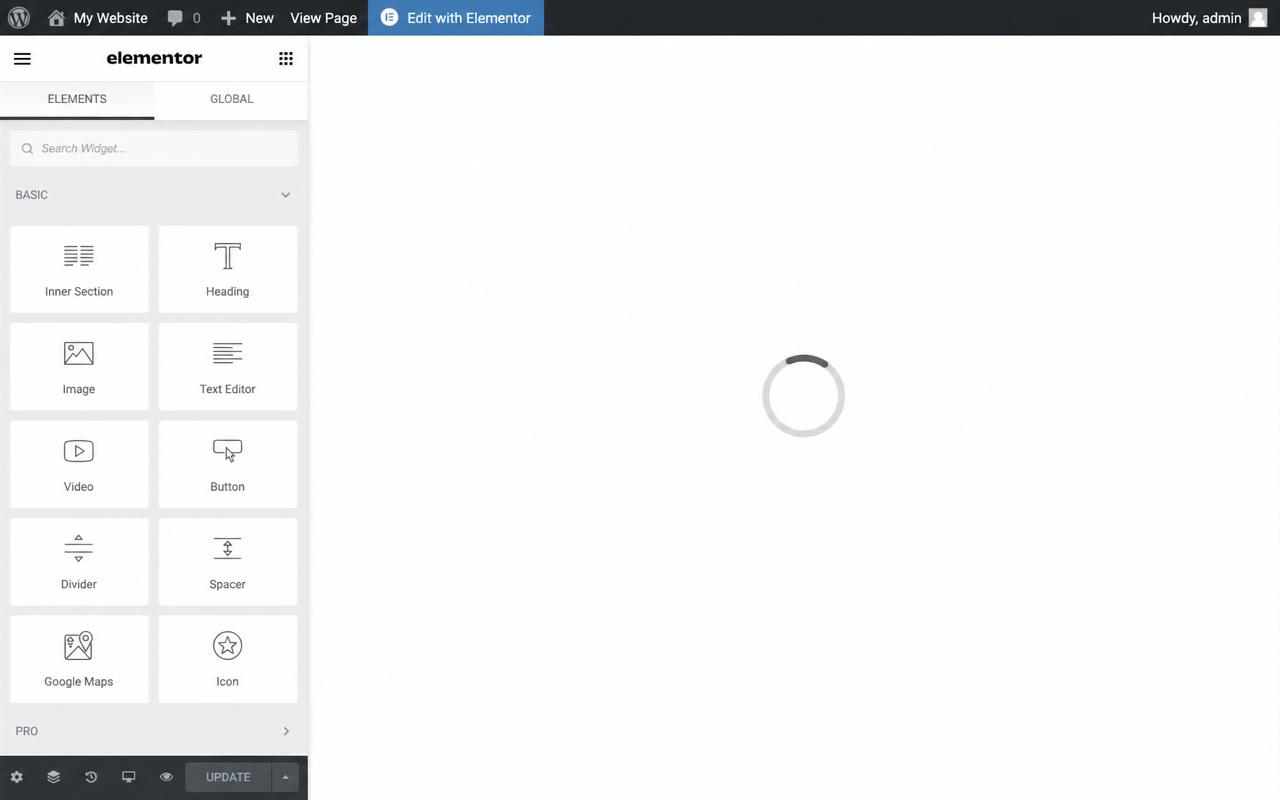
When the Elementor editor hangs on the loading screen or shows a blank preview, the cause is almost always a server memory limit, a plugin or theme clash, or a cache serving old files. Your design is not lost. It is a known set of causes with a known fix order.
If any of these match, you are on the right page.
Editor spins on the loading screen
Preview is blank but the live page is fine
Widgets will not drag or save
Started after an update
Usually the editor is waiting on a request that never finishes, often because PHP ran out of memory mid-load or a plugin is blocking the asset that Elementor needs to boot.
Frequently. Elementor needs more memory than a basic WordPress site. If the host caps PHP memory low, the editor will not finish loading. Raising the limit usually fixes it.
Aggressive cache and optimisation plugins, old security plugins, and themes that have not been updated for the current Elementor version are the most common culprits.
The real method, in the order it works.
Right click the loading bar, open inspect, and delete the loader element so the editor opens.
If it recurs, raise the WordPress memory limit in the host panel or the config.
Check for a plugin or theme conflict by isolating recent changes.
Clear cache so old files stop loading.
Confirm it saves and stays stable.
Real fix, from our work
When the Elementor editor gets stuck on the loading screen, I fix it one of two ways. The quick one: right click the loading bar, open inspect, and delete the loader element so the editor opens. If it keeps happening, the real cause is usually too little memory, so I raise the WordPress memory limit, either in the host panel or directly in the site config. That clears the freeze for good.
Written by Ali Yasin Jatoi
Founder of WebCare Studios. Ali has worked with WordPress for more than 10 years, including managing a Pearl Lemon internal fleet of 150+ sites with WP-CLI automation for updates, security cleanup, and malware removal. He has hands on experience across major hosts including Cloudways, A2 Hosting, Hostinger, and Bluehost.
Site down, hacked, or broken checkout gets a senior engineer within 4 hours. No ticket queues, no bots.
Flat quote up front. If we cannot get you back online, you do not pay. Risk sits with us, not you.
We work on a snapshot first and never touch your live database until the fix is verified safe.
Our founder managed 150+ Pearl Lemon internal WordPress sites. The errors you are seeing are ones we have closed hundreds of times.
No. Elementor layouts live in the database. The loading screen is a boot failure, not a data loss event. Your design is intact.
A cache or optimisation plugin is serving old files to the editor preview while the live page renders fine. Clearing cache and excluding the editor from optimisation fixes it.
Elementor recommends 256 MB minimum, 512 MB for larger sites. Many shared hosts default to 128 MB or lower, which is the cause on most stuck editors.
Yes. Aggressive cache and security plugins are the usual ones. Disabling them temporarily, or excluding Elementor pages from their rules, usually resolves it.
Two fields. Email and your URL. A senior WordPress engineer reads it within minutes and replies on email and WhatsApp with what is wrong and what we will do next.
Real proof and field guides tied to "Elementor not loading".
